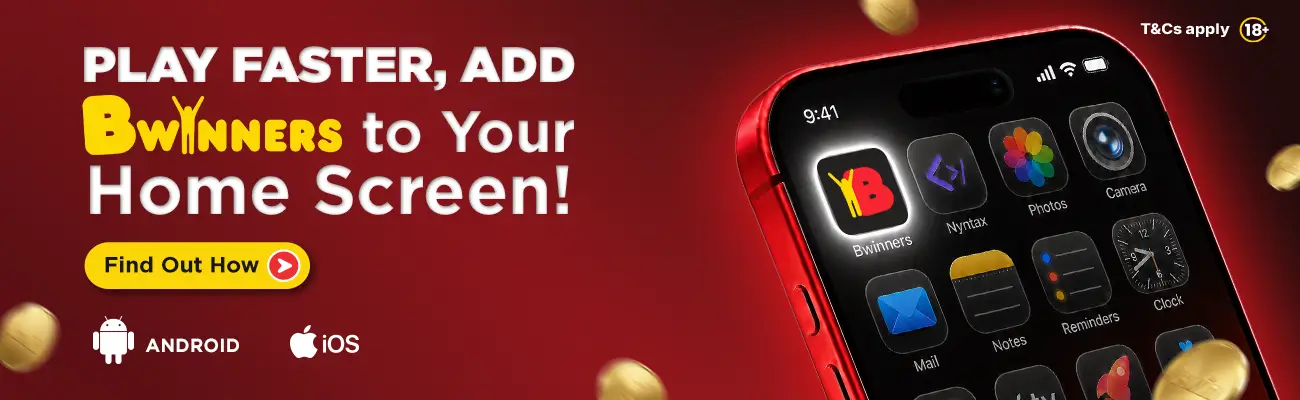
1. Go to Bwinners.sl/app
2. You will get a popup.
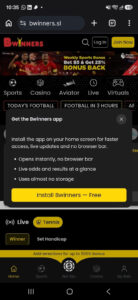
3. Click on “Install Bwinners – Free” button.
4. You will get instructions on how to install the web application.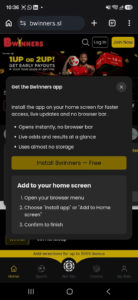
1. Go to Bwinners.sl/app
2. You will get a popup.
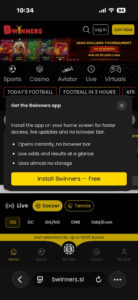
3. Click on “Install Bwinners – Free”
4. You will get instructions on how to install the web application.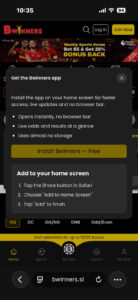
1. Go to Bwinners.sl/app
2. You will get a popup.
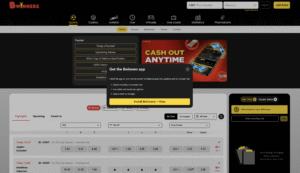
3. Click on “Install Bwinners – Free”
4. You will get another popup.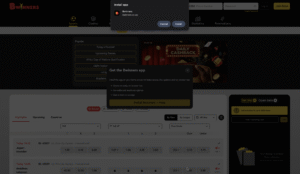
5. Click “Install” and the web application will install automatically.