Africell Withdrawal Steps
👈 Swipe to navigate 👉
Step 1 of 4
1
Login & Select Deposit
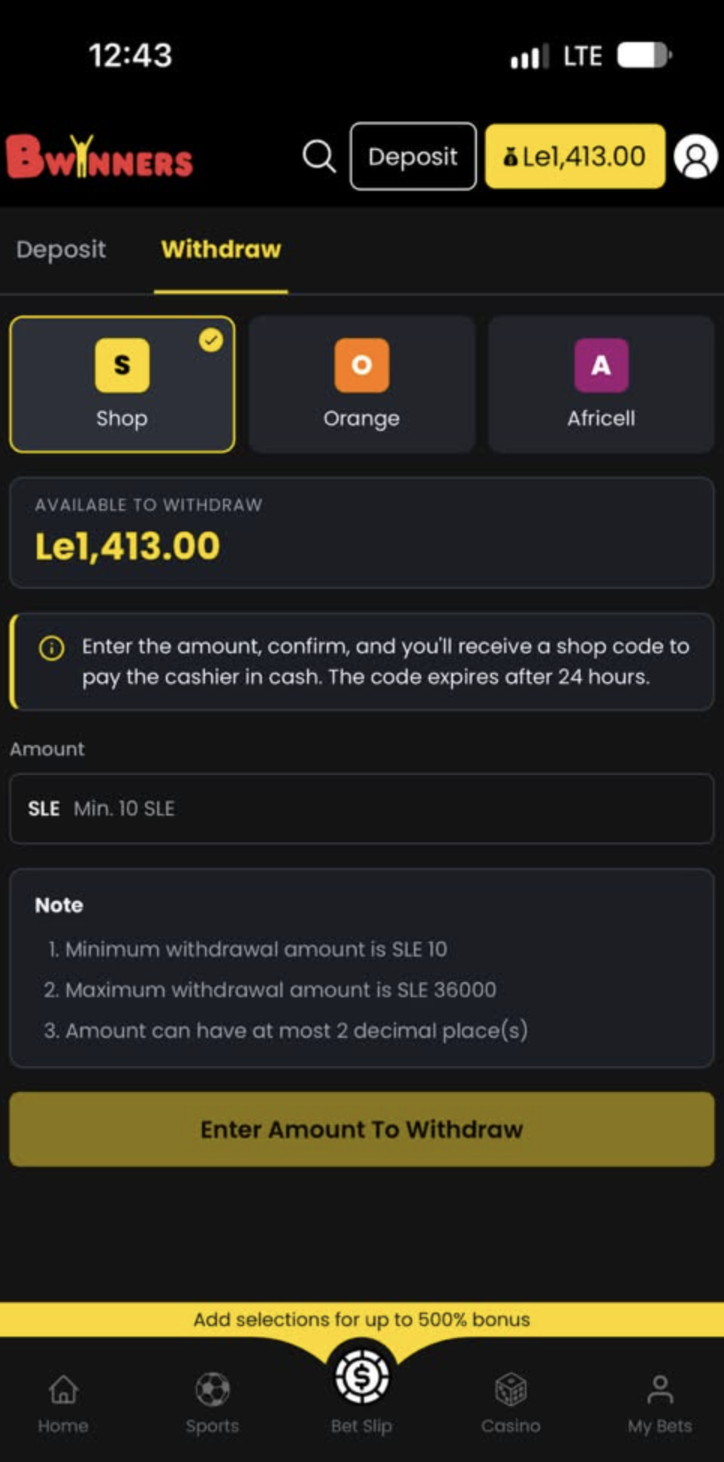
To get started, Login then click on the "Deposit" button which will send you to the Deposit/Withdraw page.
2
Select Africell
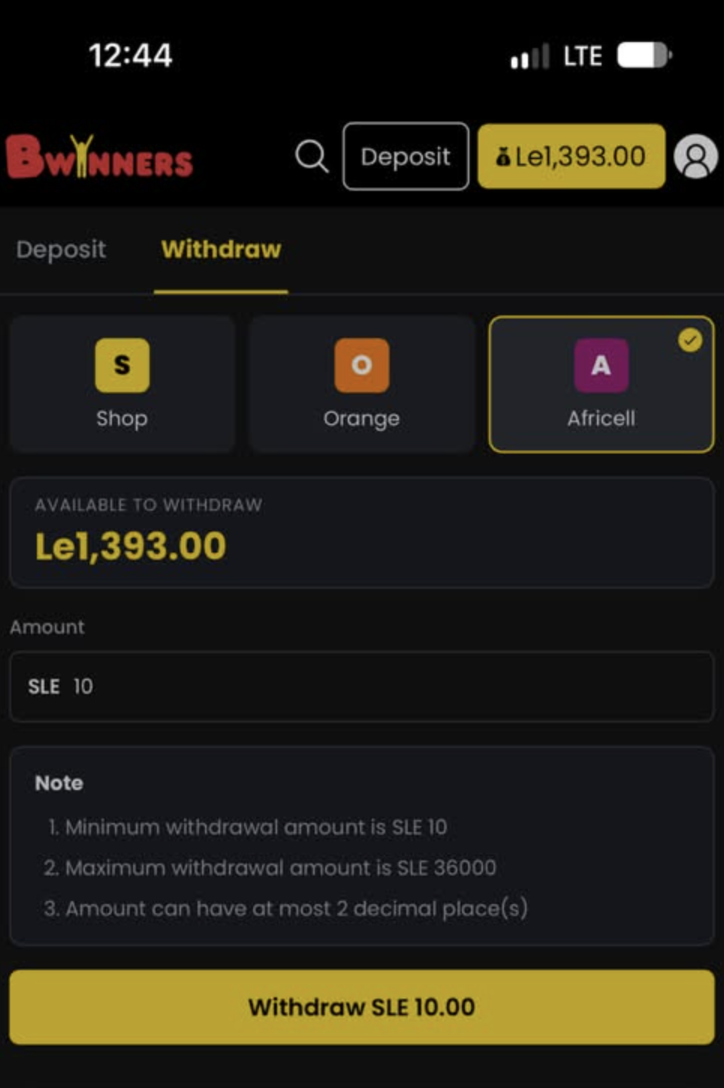
Select the method of payment you wish to make your withdrawal. If you choose Africell, you will need to select Africell.
3
Enter Amount
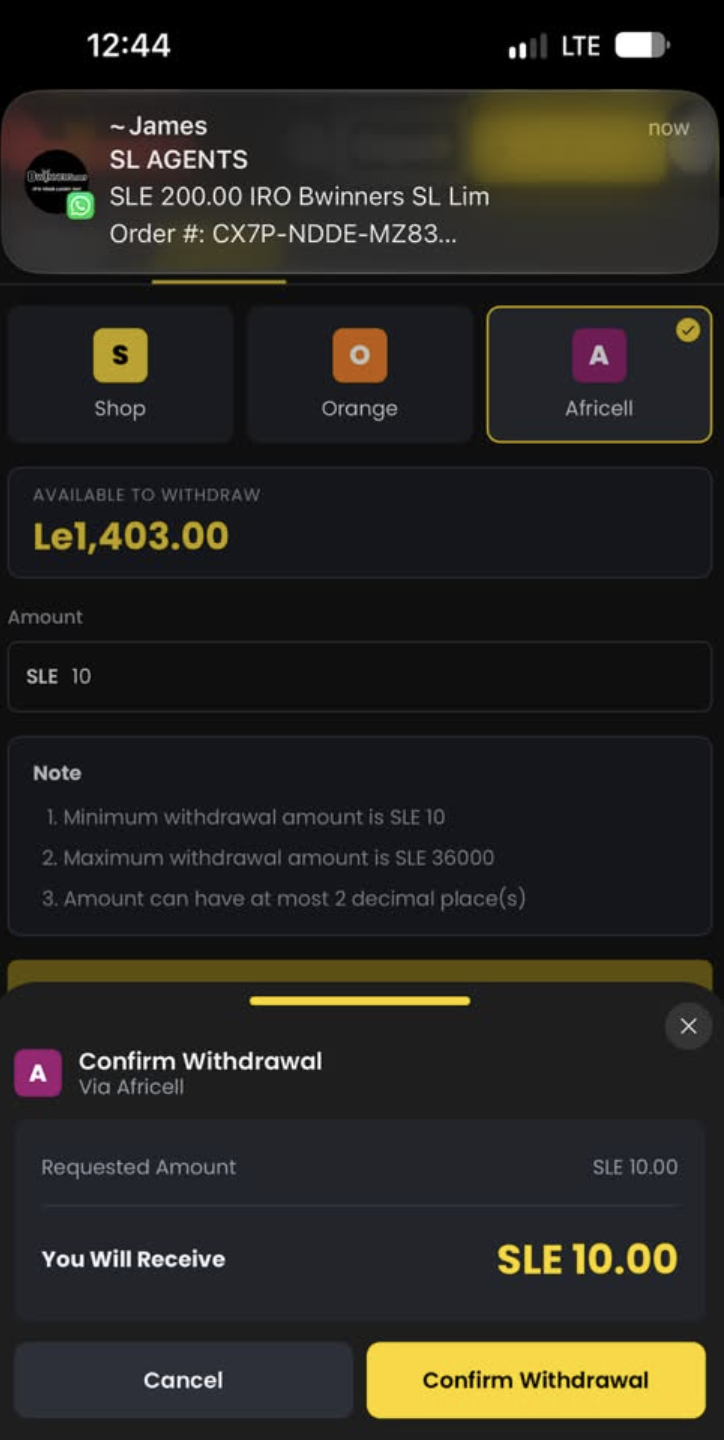
Enter the amount you wish to withdraw then press on the Withdraw button once you are happy with your selection.
4
Receive SMS
You will receive an SMS with the instructions on how to receive your money with Afrimoney. Please note that you have a maximum of up to 1 hour to have it approved, otherwise the transaction will be cancelled.
✓ Done! Your withdrawal has been processed successfully.
Orange Money Withdrawal Steps
👈 Swipe to navigate 👉
Step 1 of 4
1
Login & Select Deposit
To get started, Login then click on the "Deposit" button which will send you to the Deposit/Withdraw page.
⚠️ The phone number linked to your Bwinners account must be the same as the one associated with your Orange Money account.
2
Choose Orange Money
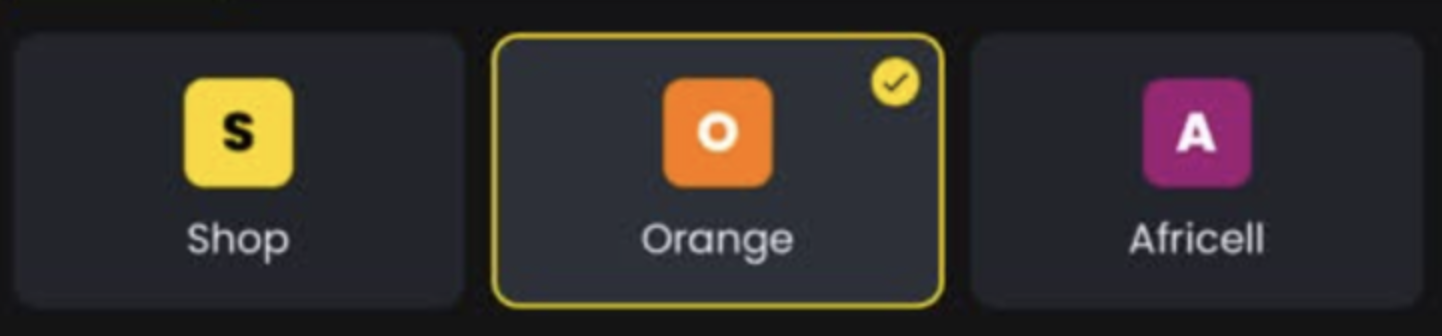
Choose Orange Money. Enter the amount you wish to withdraw and click the "Withdraw" button.
3
Confirm Withdrawal
Wait until the page confirms that your withdrawal has been successfully processed.
4
Check Your Messages
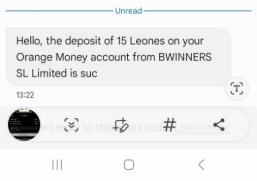
You should receive a message from Orange confirming that the money has been sent to your account.
✓ Done! Your withdrawal has been processed successfully.
Shop Cash/Vouchers Withdrawal Steps
👈 Swipe to navigate 👉
Step 1 of 4
1
Login & Select Deposit
To get started, Login then click on the "Deposit" button which will send you to the Deposit/Withdraw page.
2
Select Shop Cash
Stick to Shop Cash as payment method.
3
Enter Amount
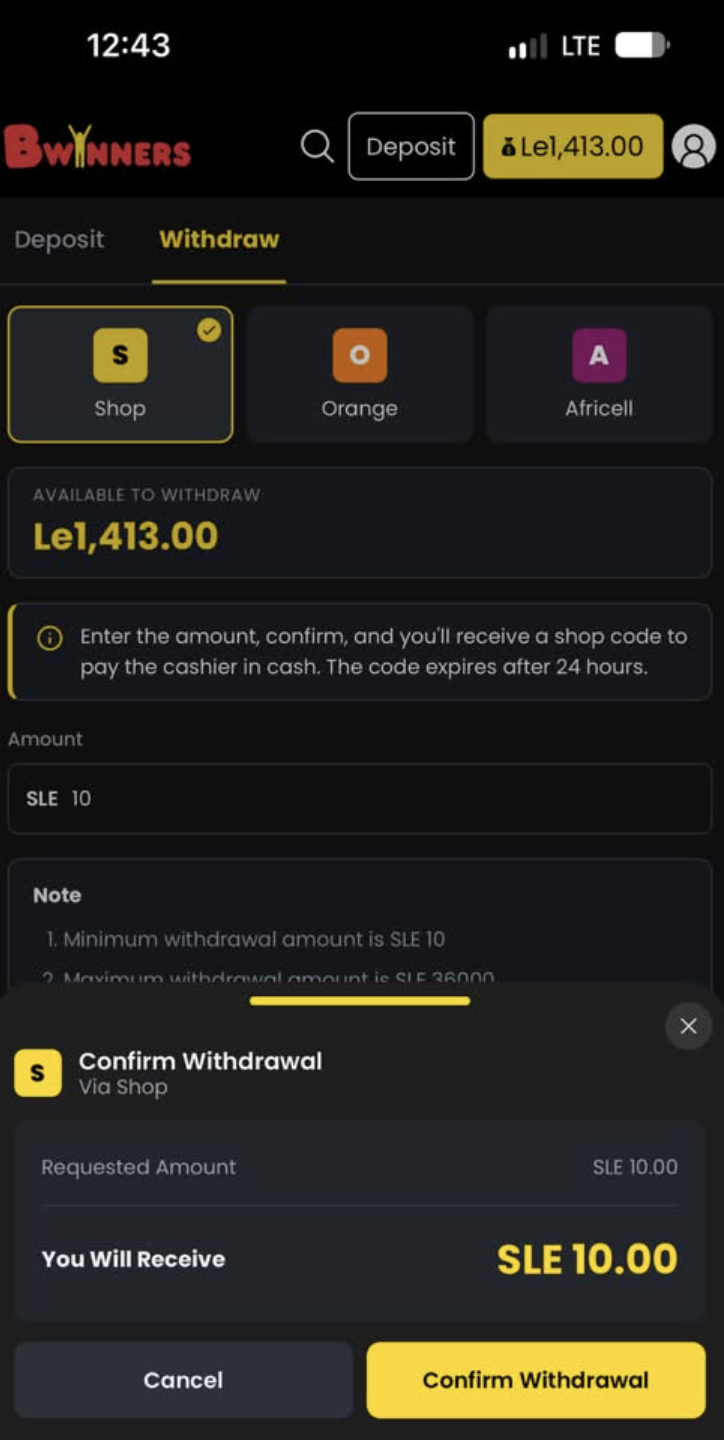
Enter the amount you wish to withdraw then click "Confirm Withdrawal".
4
Collect Your Funds
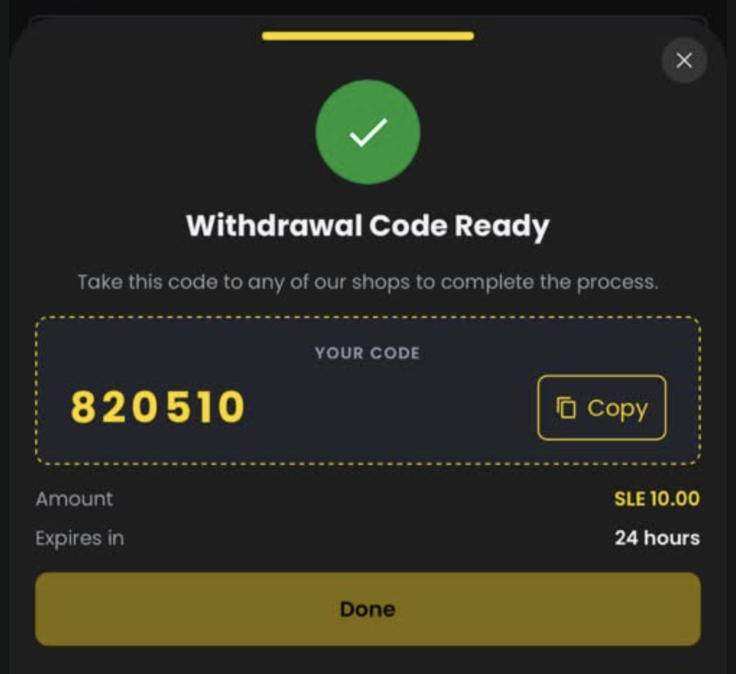
To collect your funds, simply visit one of our branches and show the withdrawal code in order to get your money.
✓ Done! Your withdrawal has been processed successfully.